Wood Block Puzzle2.5.7
Publisher Description


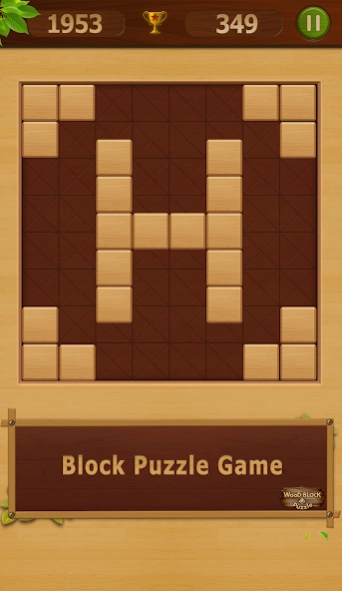

Wood block puzzle is a classic block puzzle game.
Wood block puzzle is a wooden style block puzzle game. You can play this wood block puzzle to train your brain.
The block puzzle is very fun for all ages and skill levels. More wood blocks, more score. Try it and you will love this wood block game.
Wood Block Puzzle is not only a classic puzzle block game,but a challenging puzzle game.
Play this wood style block game to relax and train your brain.
Simple, fun and pleasurable for all adults and children. It has all feature of great puzzle block game.
Play wood style block game, you will love this wood block puzzle game.
How to play wood block puzzle:
-> Drag the wood block to move them.
-> Try to fit them all in the row or column. Then the wood blocks will be clear and you get points. Game will be over if there are no room for any the shapes below the grid.
-> Wooden block can't be rotated.
Features of the wood block puzzle :
-> Beautiful wood blocks.
-> Sweet sounds.
-> No time limits.
-> With Beginner's guide, easy to learn.
-> Totally free.
-> Support leaderboards.
From now on, let's enjoy a simple and addictive wood block puzzle game! Once you start, you'll be hooked!
You can play wood block puzzle anytime and anywhere!
We really hope you enjoy playing wood block puzzle!
About Wood Block Puzzle
The company that develops Wood Block Puzzle is Fun Classic Puzzle Game. The latest version released by its developer is 2.5.7.
To install Wood Block Puzzle on your Android device, just click the green Continue To App button above to start the installation process. The app is listed on our website since 2026-05-17 and was downloaded 2 times. We have already checked if the download link is safe, however for your own protection we recommend that you scan the downloaded app with your antivirus. Your antivirus may detect the Wood Block Puzzle as malware as malware if the download link to wood.puzzle.game.blockpuzzle is broken.
How to install Wood Block Puzzle on your Android device:
- Click on the Continue To App button on our website. This will redirect you to Google Play.
- Once the Wood Block Puzzle is shown in the Google Play listing of your Android device, you can start its download and installation. Tap on the Install button located below the search bar and to the right of the app icon.
- A pop-up window with the permissions required by Wood Block Puzzle will be shown. Click on Accept to continue the process.
- Wood Block Puzzle will be downloaded onto your device, displaying a progress. Once the download completes, the installation will start and you'll get a notification after the installation is finished.
Program Details
System requirements
Download information
Pricing
Version History
version 2.5.7
posted on 2026-05-18
1、Improve the gaming experience.
2、Fix some bugs.
version 2.4.7
posted on 2020-10-12
Integrate adaptive size banner ads to avoid banner ads blocking the game.
Improve the gaming experience.
version 2.4.4
posted on 2019-08-13
bug fixed
